
Offer your services on LiNK
Homeowners on LiNK are already mid-transaction and looking to hire. Fill this in once, and your listing, coverage area, and pricing go live after a LiNK staff review.
Prototype note. All five steps are rendered on one page so the whole
form can be reviewed at once. In production the step-tabs
component shows one panel at a time and the tab states advance as you go.
Already listed? See who else serves Richmond.
Step 1 — Services & pricing
Complete1. What services do you provide?
Spec item 1 — multi-select including “Other”. One account, many services.
[ TODO — needs client input: the canonical service list lives in the Google Doc referenced by the onboarding spec, which Garza has not been given access to. The options below are a working set drawn from the Offering spec and the rating spec's examples ]
Select every service you offer. One LiNK account can carry several service lines — each one is rated separately, so a stager who also declutters gets two independent ratings.
Other selected
Service lines on this account
- Home staging · primaryPublished
- Decluttering & organizingDraft
2. Description of the service(s) offered
Spec item 2.
Shown on your public profile at provider.html.
3. Pricing
Spec item 3 and sub-items a–f.
3a — Request a quote
Homeowners will see a Request a quote button instead of a price. Their request opens a LiNK message thread so the two of you can go back and forth in-platform — LiNK never hands out your phone number or email until you do.
3b & 3c — rate type, range, menu, example
PDF or image. Shown as a download on your profile.
Packages
Military discount
4. FAQ about the service offered
Spec item 4.
Answer the questions you get asked every week. These render as an accordion on your public profile.
Step 2 — Company info
Complete5a. History and years of experience
Spec item 5a.
5b. Certifications, licenses, and awards
Spec item 5b.
LiNK staff review these before your listing goes live. They are not shown publicly.
5c. Insurance
Spec item 5c.
Insurance details
Heads up
Uninsured providers can still list, but your profile will carry a Not insured label so homeowners can weigh it. [ TODO — needs client input: confirm whether LiNK will allow uninsured providers at all, and whether any trades are hard-gated on proof of insurance ]
Step 3 — Portfolio & coverage
Current step6. Visual examples — before and after portfolio
Spec item 6.
Paired photos convince homeowners faster than any description. Upload at least one pair.
-
Project 1 — Kitchen refresh
Before
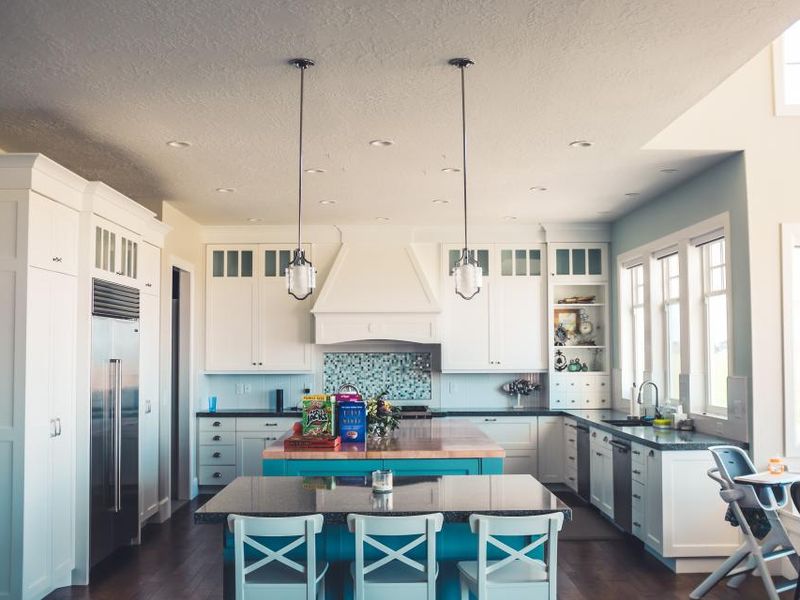
After

-
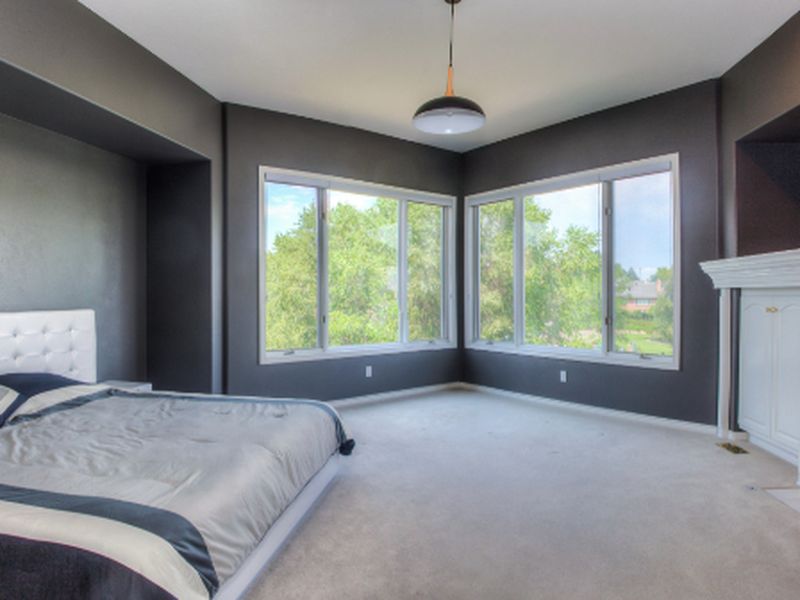
Project 2 — Living room staging
Before

After
-
Project 3 — Curb appeal
Before
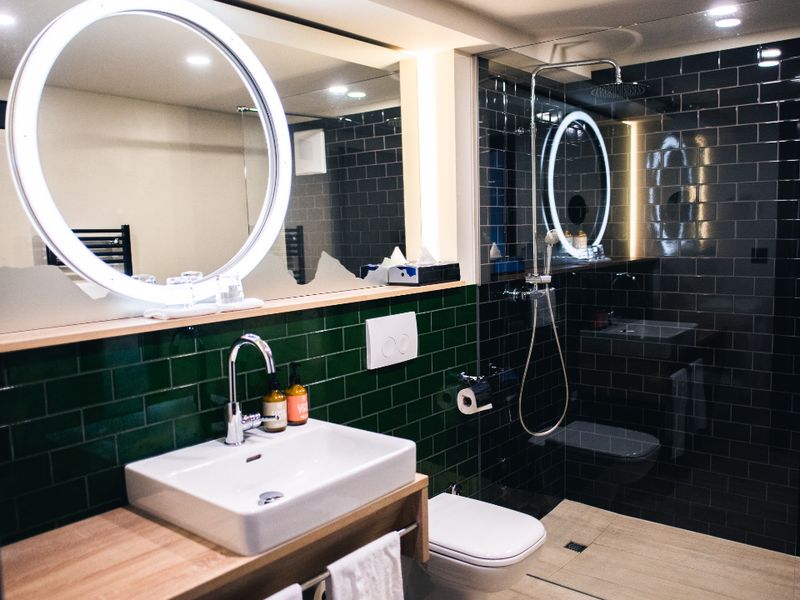
After

9. Service coverage area
Spec item 9 — interactive coverage map.
The circle is drawn from your base address and the travel distance you set in item 10 below. Homeowners outside it will not see you in search results.
 [ map-panel: Leaflet + OpenStreetMap — coverage radius ]
Coverage is stored as a radius and a locality list, so a provider who crosses a county line for one town is not forced to widen the whole circle.
10. How far are you willing to travel?
Spec item 10.
Changing this redraws the coverage circle above.
Step 4 — Availability & communication
Not started7. Availability — how soon can you start?
Spec item 7.
Shown on your profile as a lead-time badge so homeowners can filter on it.
8. Preferred job size
Spec item 8.
Pick every size you will take. [ TODO — needs client input: Christine to define the dollar or scope thresholds behind small / medium / large so the label means the same thing across trades ]
11. For contractors — do you pull permits?
Spec item 11 — contractors only; other trades answer “Not applicable”.
Permits
12. For stagers — furniture or consultation?
Spec item 12 — stagers only.
Furniture
13. How do you communicate with clients?
Spec item 13 — multiple selections allowed.
14. Do you provide written estimates?
Spec item 14 and sub-items a–b.
Written estimates
Fee
15. What is your available appointment window?
Spec item 15 and 15a — provider sets the times.
Tick the blocks you are willing to meet clients. Homeowners only ever see these times when they request an appointment, and every request still comes to you to accept or reschedule.
| Mon | Tue | Wed | Thu | Fri | Sat | Sun | |
|---|---|---|---|---|---|---|---|
| 8:00 am – 12:00 pm | |||||||
| 12:00 pm – 3:00 pm | |||||||
| 3:00 pm – 6:00 pm | |||||||
| 6:00 pm – 8:00 pm |
Step 5 — Review & agree
Not started✓ Review what homeowners will see
Spec — “Allow a service provider to edit all items.”

Sample Staging Co.
Home staging · Serves Richmond, Midlothian
Your published profile is a page like this one. Everything on it comes from the answers above, and every item stays editable from your profile settings after you publish.
Ratings on your profile stay hidden until you have collected five reviews (DR-8), so an early bad week cannot define you and a single friendly review cannot inflate you.
Agreement
LiNK verifies licenses and insurance before a listing goes live. A statement later found to be inaccurate is grounds for removal from the marketplace.
[ TODO — needs client input: Christine to supply the exact provider terms of service this checkbox binds, and whether a second checkbox is needed for the background-check consent ]
[ Nothing is transmitted: each button reports what it would do and the "Add another" controls clone their block for real. Verification of licence and insurance is a staff step, not a form field. ]